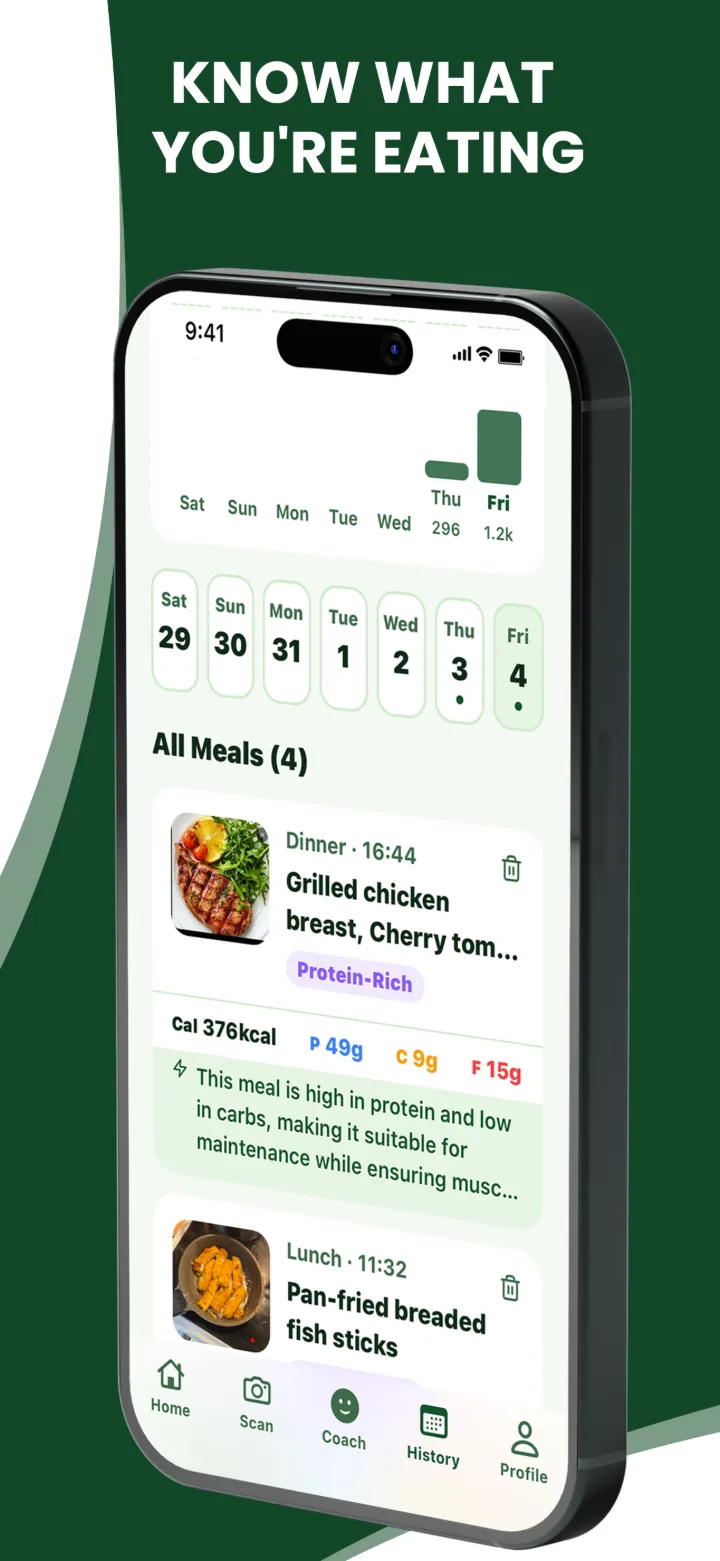
Know what you're eating
Your meals, photos and macros for every day in one history, with each meal's full breakdown a tap away.
- Edit any item: portion, calories or macros
- Add or remove foods the AI missed
- Full history with Premium
Point your camera at any meal and FoodClik breaks it down into calories, protein, carbs and fat in seconds.


Free on iPhone and Android.
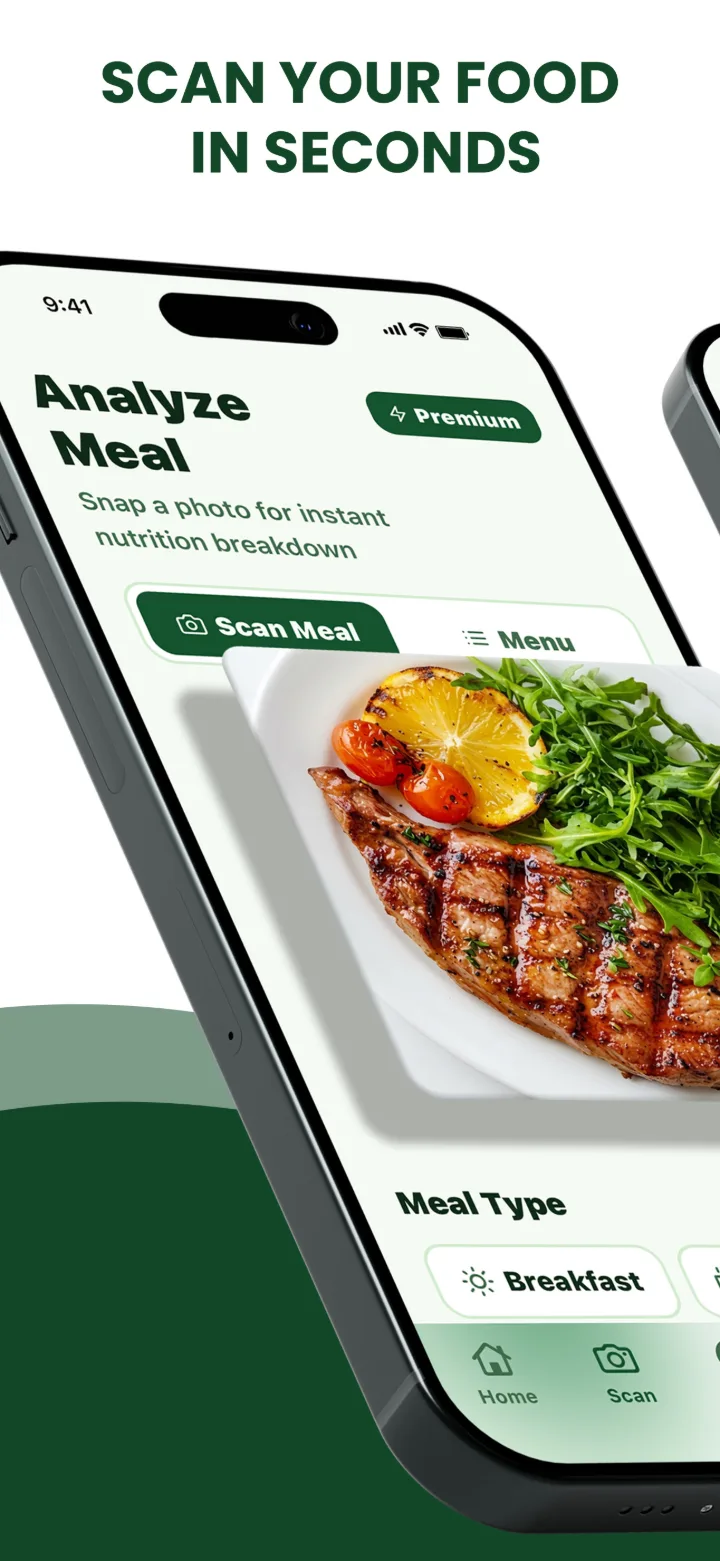
Point your camera at your meal and take one photo.
Every food is listed with its portion, calories, protein, carbs and fat.
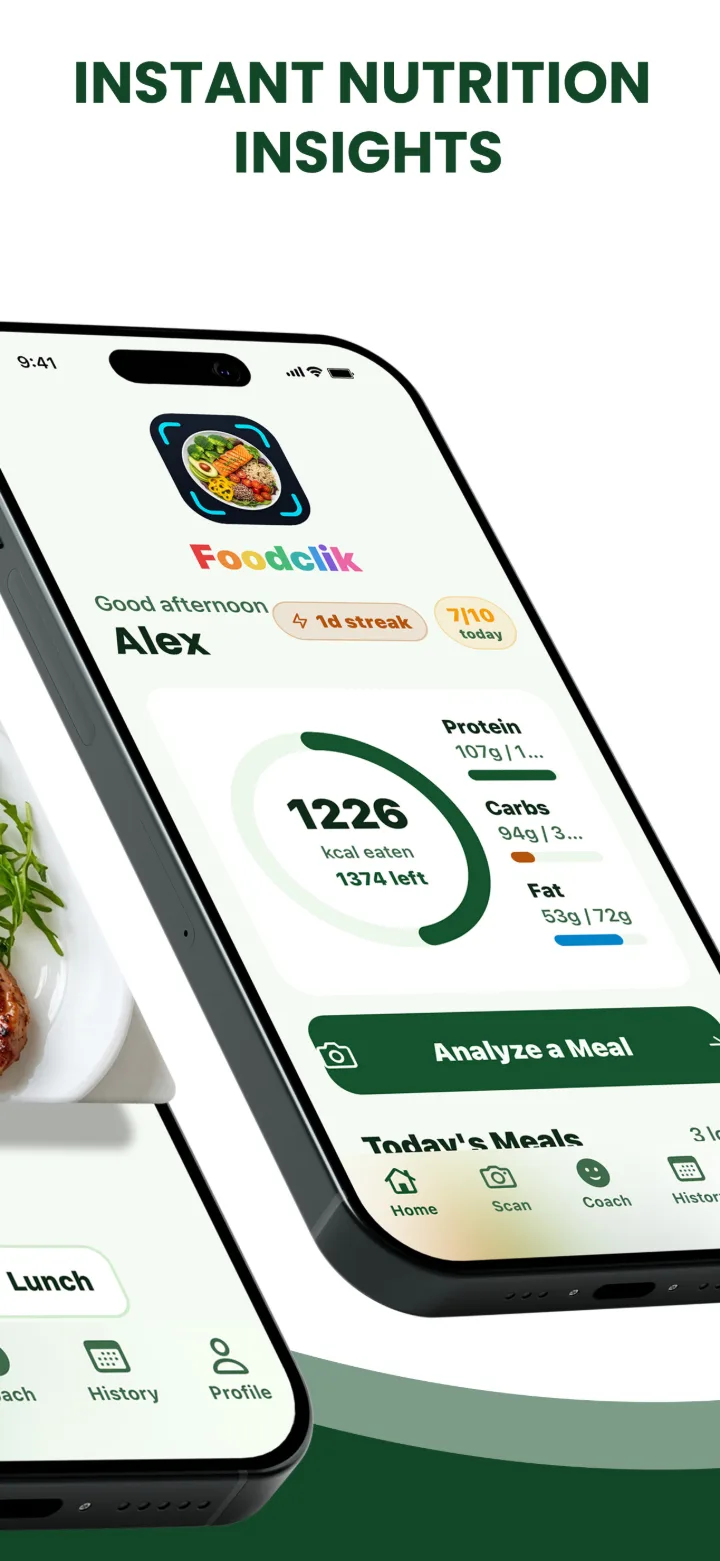
Meals add up against your daily targets, so you know what's left.
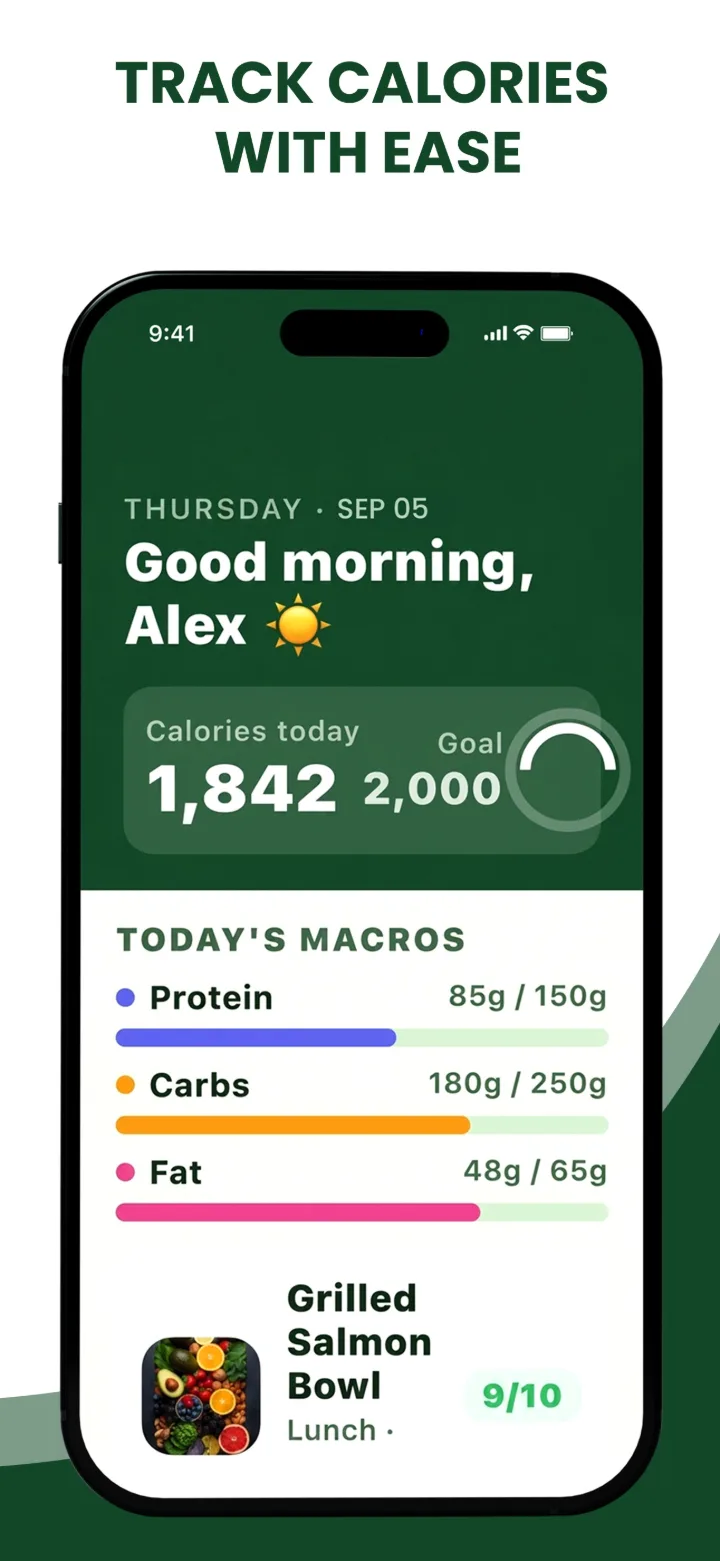
Your meals, photos and macros for every day in one history, with each meal's full breakdown a tap away.
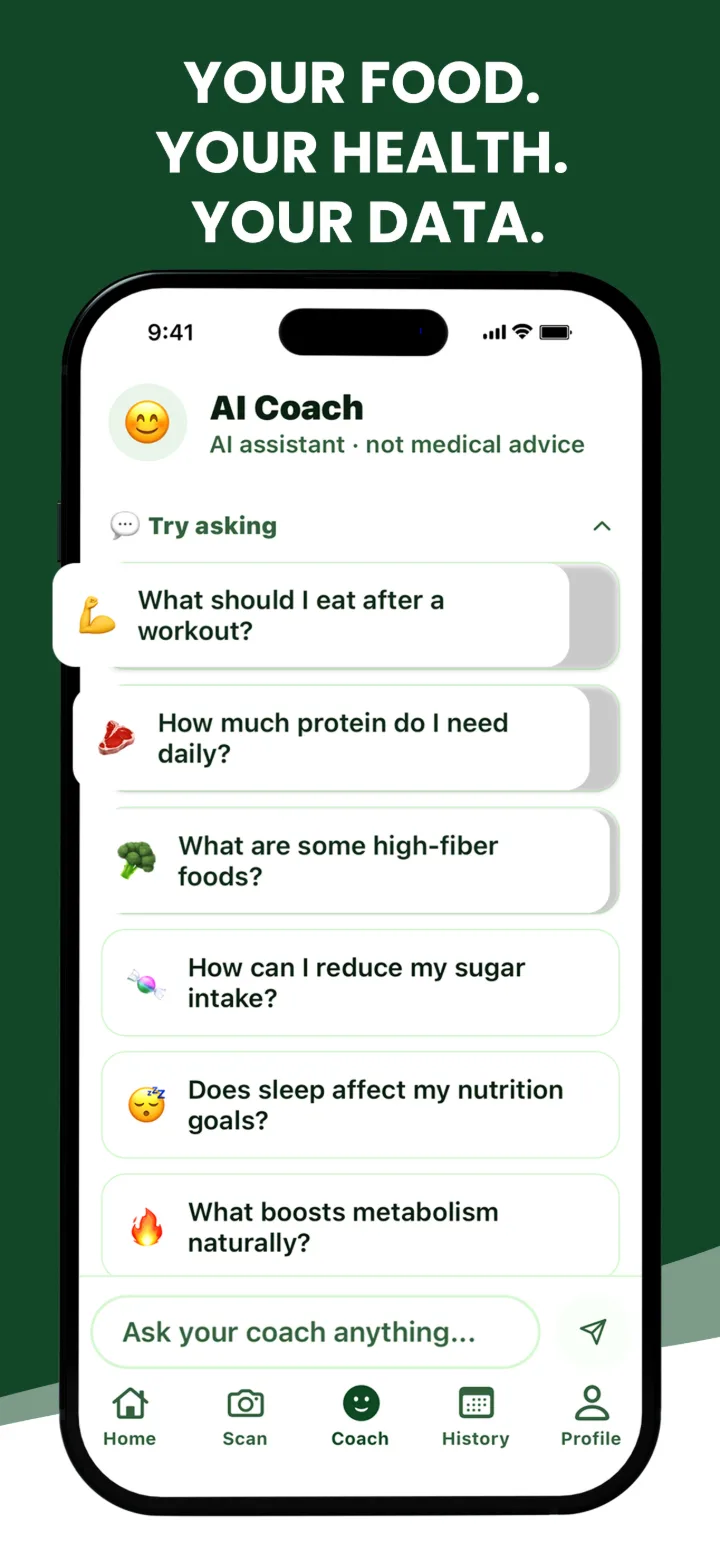
Ask about what you ate, what to eat next or how to hit your protein target, with answers based on your own goals.
Photograph a restaurant menu and get picks that fit your goal.
Chat about your meals, targets and habits any time.
Optional, read-only steps and active calories, kept on your device.
On Android: optional, read-only steps and active calories.
Daily calorie and macro targets, plus meal reminders you set.
AI estimates are a starting point. Adjust anything before you save.
With a free FoodClik account
Limits reset daily at 00:00 UTC.
or £39.99 / year
Billed through your Apple ID or Google Play account. Auto-renews weekly or yearly until you cancel, at least 24 hours before renewal: on iPhone in Settings → [your name] → Subscriptions, or on Android in Google Play → Payments & subscriptions → Subscriptions. No free trial.
Prices are the UK App Store prices. Your local price, on the App Store or Google Play, is shown in the app before you buy. Full details in our Terms.
They're AI estimates from your photo, so treat them as a close starting point rather than a lab measurement. Where there's a confident match, each food's nutrition is cross-checked against USDA FoodData Central.
You can edit any item's portion, calories or macros, add foods the AI missed and remove ones it got wrong before you save. FoodClik gives general nutrition information and isn't medical advice.
Free includes 2 AI meal scans, 1 menu scan and 3 AI coach messages a day. Premium (£3.99 a week or £39.99 a year in the UK) raises that to up to 15 meal scans, 5 menu scans and 20 coach messages a day, within 30 AI actions a day in total, and adds full meal history with photo backup.
All limits reset at 00:00 UTC. See the Terms for the full fair-use policy.
When you scan a meal, the photo is sent securely to OpenAI to analyse it. We don't keep it on our servers, unless you're on Premium, where meal photos are stored in private cloud storage so they appear in your history on any device.
If you sign in, your profile is encrypted on our servers. Read the Privacy Policy for everything we store and why.
Subscriptions are billed through Apple or Google Play, depending on where you subscribed. Cancel at least 24 hours before your renewal date to avoid the next charge.
iPhone: open Settings, tap your name, then Subscriptions, choose FoodClik and tap Cancel Subscription.
Android: open the Google Play Store, tap your profile icon, then Payments & subscriptions → Subscriptions, choose FoodClik and tap Cancel subscription.
Deleting your FoodClik account doesn't cancel the subscription on its own.
In the app, open the Profile tab, scroll to the bottom and tap Delete Account. This permanently deletes your account, profile, meal log and stored photos from our servers.
Can't open the app? See how to delete your account.
Download FoodClik free on iPhone and Android.